A new voice, wherever you play
Explore real-time voice changing for your favorite games, calls, and streams on Windows.
Free download for Windows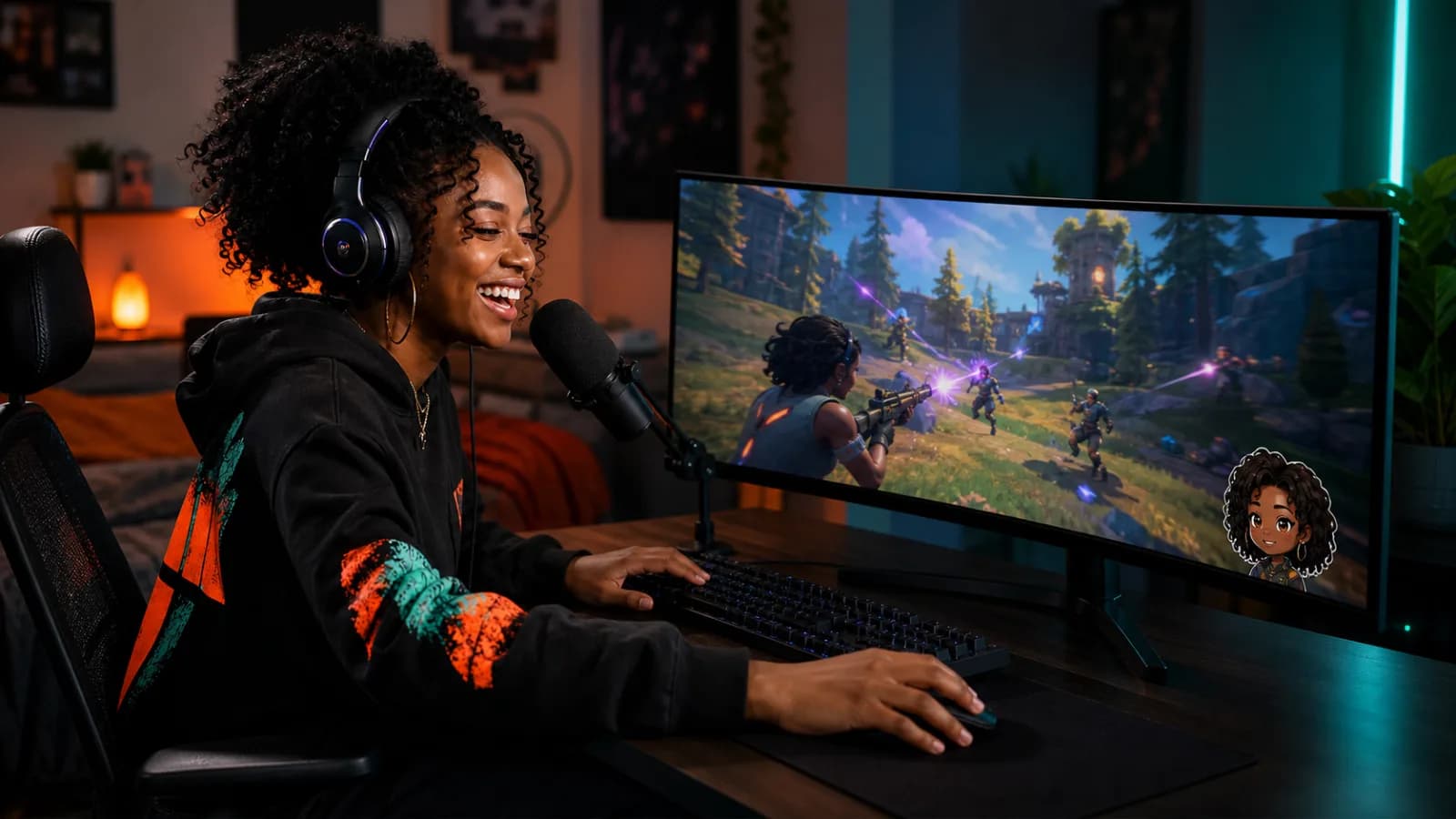
Where do you want to use your voice?
Choose an app or game to explore voices and get connected.
8 use cases

Discord
Bring character voices and soundboard reactions into calls and community sessions.

OBS Studio
Capture one changed microphone source for recordings and live broadcasts.

Twitch
Build a recognizable voice for stream personas and audience moments.

Zoom
Prepare creative voice effects for workshops and casual online calls.

Roblox
Match a voice to your character in supported Windows voice-chat experiences.

VRChat
Give an avatar its own voice for social worlds and character roleplay.

Fortnite
Add character voices to squad conversations while keeping teammates clear.

Valorant
Test a changed voice for team chat with clear, understandable callouts.
Start with a clean microphone setup
Connect once, test the input, and use your changed voice in the app you choose.