Push-to-talk friendly
Keep normal game controls while VoiceLala processes the microphone selected for team or party chat.
Route a VoiceLala voice into Valorant through a standard Windows virtual microphone while keeping callouts clear enough for the round.
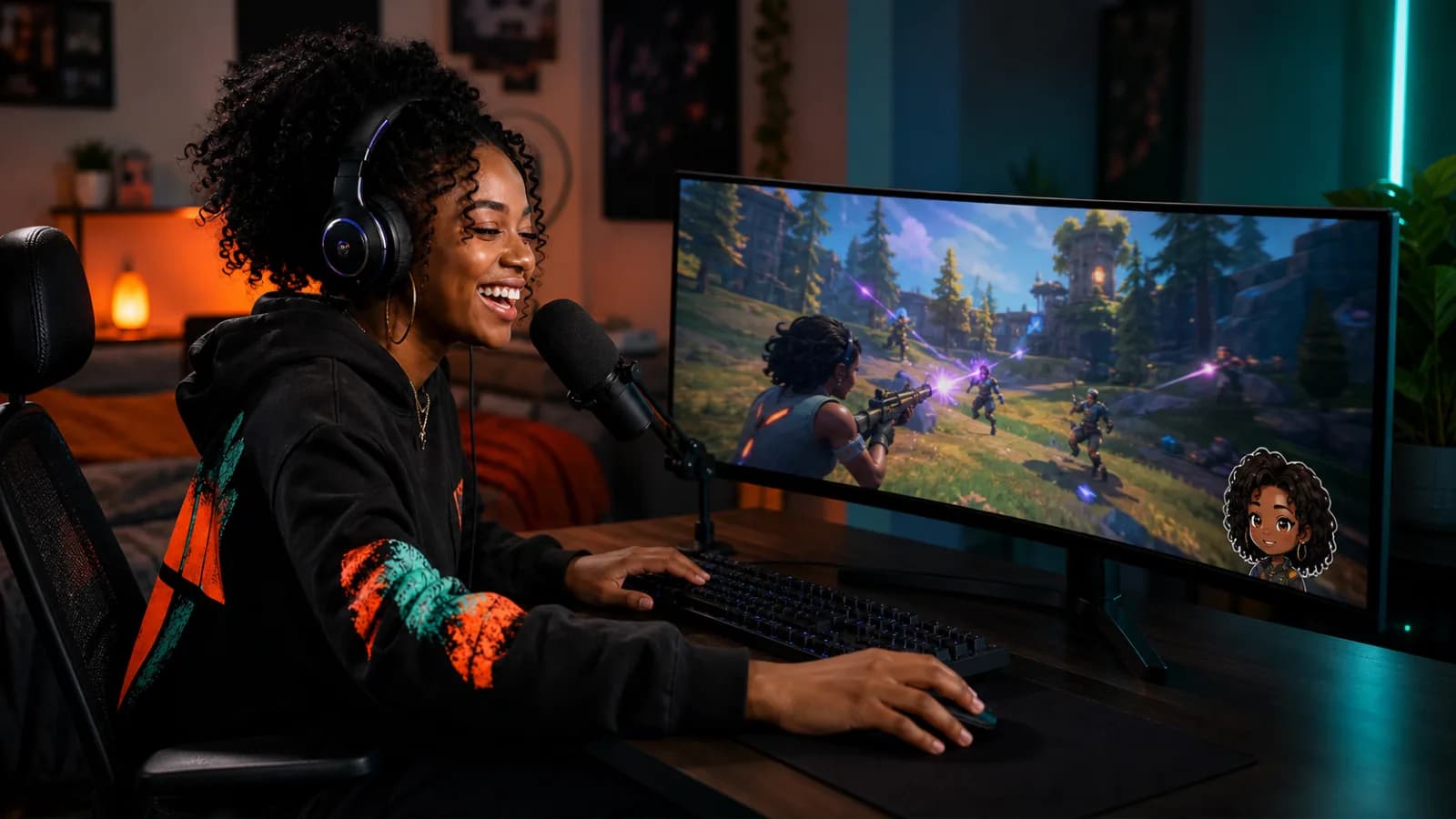
The effect should add personality between rounds and stay out of the way when the spike timer starts yelling.
Keep normal game controls while VoiceLala processes the microphone selected for team or party chat.
Choose voices that preserve consonants and callout timing instead of chasing the heaviest possible effect.
Use one virtual microphone for Valorant, Discord, and a stream without capturing the raw mic twice.
Choose your physical microphone inside VoiceLala and listen to the selected voice before opening a match.
Open Valorant audio settings and find the voice-chat input device used for party or team communication.
Choose VoiceLala Virtual Mic as the input device and keep your preferred push-to-talk keys unchanged.
Run the loopback or a party test, then lower gain if the changed voice clips during louder callouts.
VoiceLala uses a standard audio-device workflow and does not need to alter Valorant game files. Game and security updates can still affect compatibility, so test before competitive play.
A voice can be memorable without hiding locations, utility calls, or teammate names. Save dramatic presets and sound effects for downtime.
Every processing chain adds some delay. Keep the input path simple, close unnecessary audio tools, and test the selected voice before queueing.
Check that the game input points to VoiceLala Virtual Mic and that no second microphone source is active in a party, capture, or communication app.
VoiceLala can combine voice and soundboard workflows, but use effects responsibly and follow Riot and community rules.
Join the Windows waitlist and keep a private audio check between your voice preset and competitive play.