Record a sample
Capture a clear voice sample for analysis and custom voice creation.
VoiceLala’s voice clone path is for creators who want a custom voice they can reuse in live calls, streams, clips, and future content workflows.
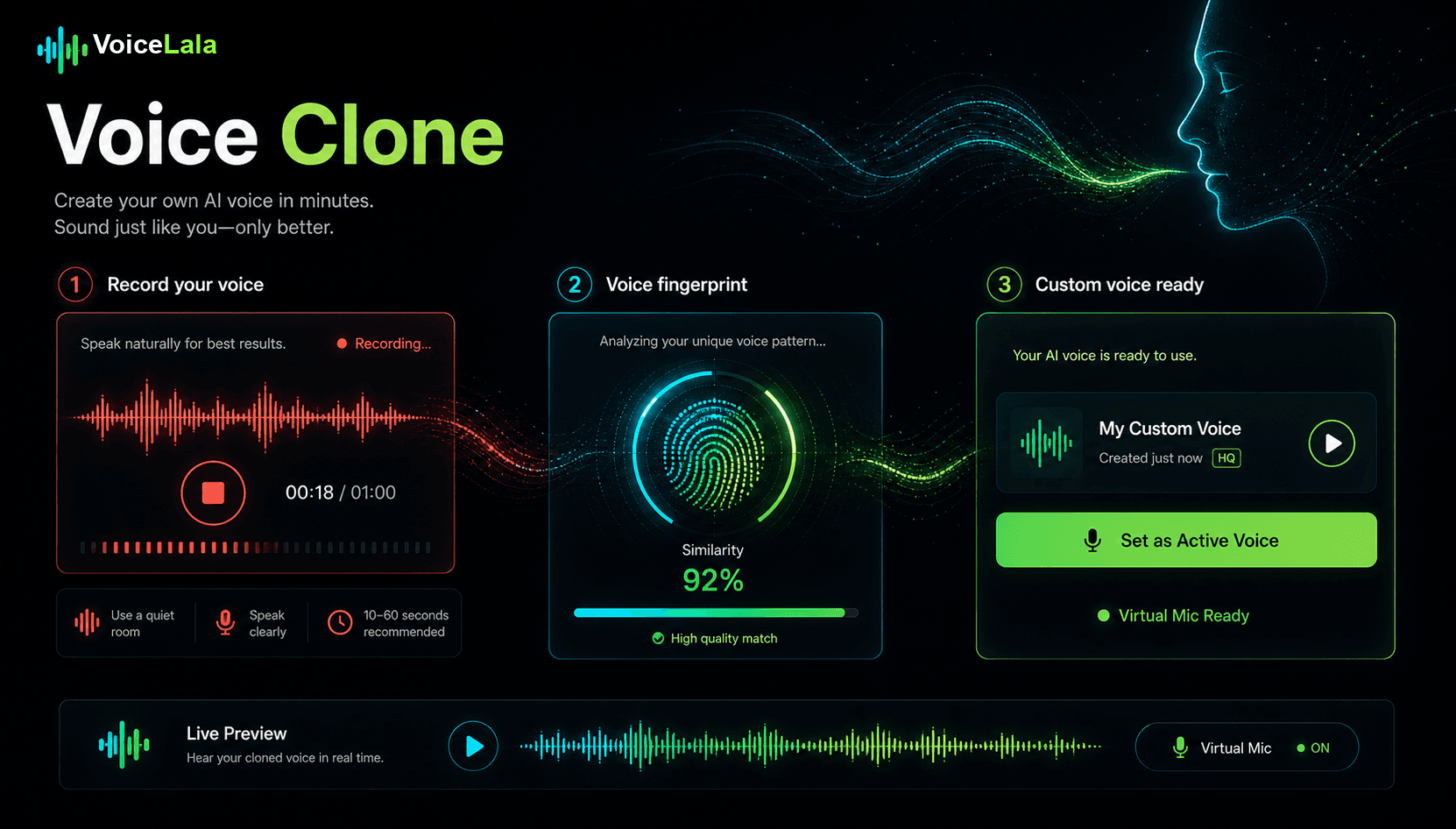
Capture a clear voice sample for analysis and custom voice creation.
Review the result before using the custom voice in a live or recorded workflow.
Bring the custom AI voice into real-time calls, Discord sessions, and creator content.
Record with permission, review the generated voice, and keep a consistent voice identity across live sessions and creator content.
VoiceLala positions voice cloning as a custom voice workflow for creators, live sessions, and content production.
Use clean speech with little background noise, avoid music or overlapping speakers, and only record a voice you have permission to clone.
Get notified when custom AI voice creation becomes available in the desktop release.