
Natural voice choices
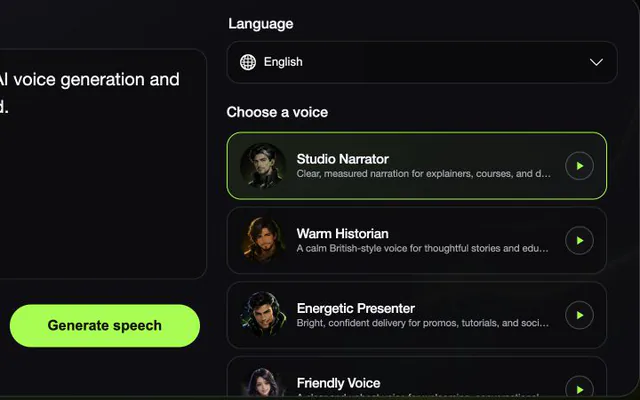
Browse voices for the selected language and preview the delivery before you generate.
Turn your text into natural-sounding AI speech. Choose a language and voice, then listen or download the result as an MP3.
Start with the script and shape it for the place your audience will hear it.
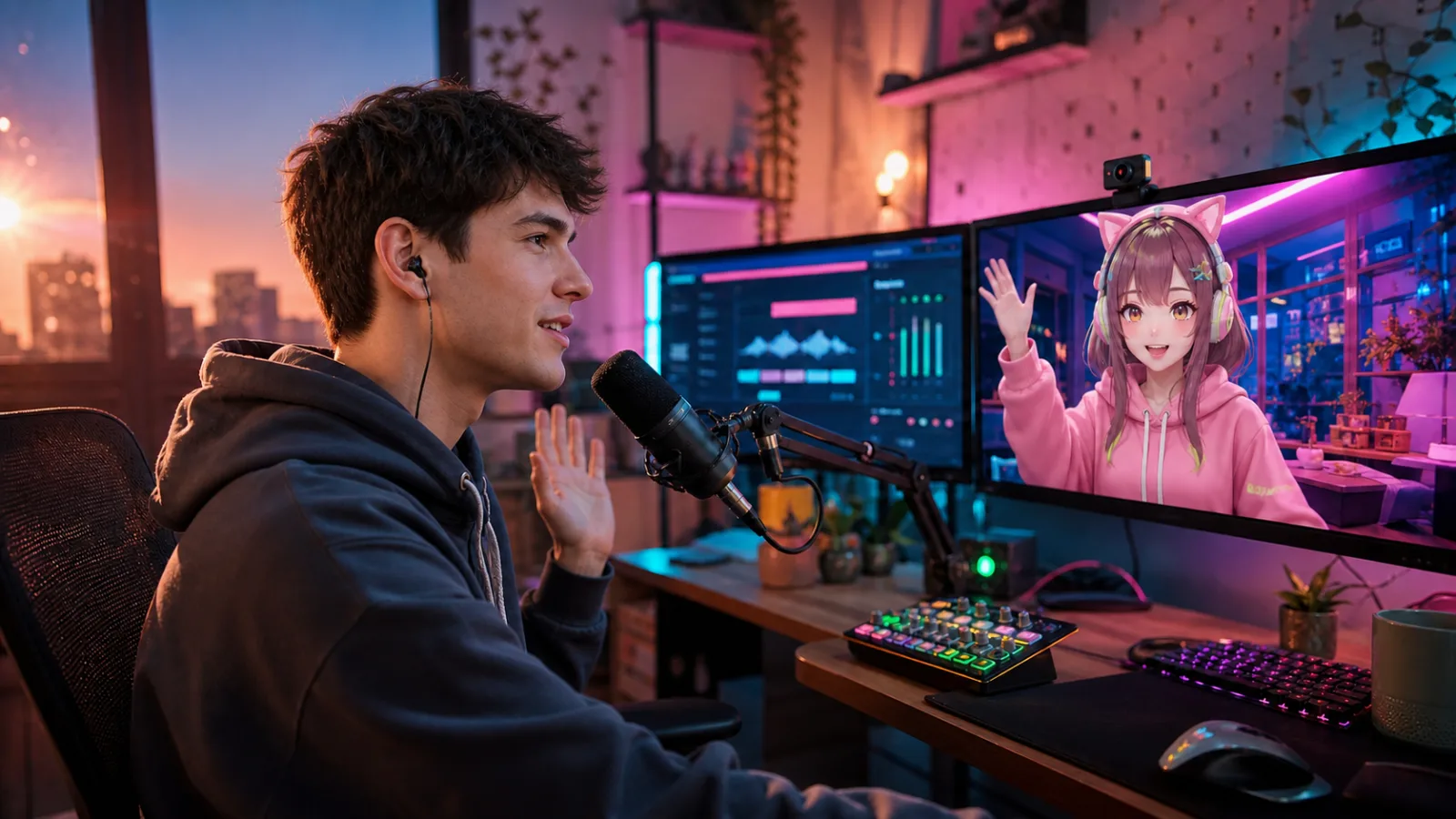
AI text to speech converts written words into spoken audio. VoiceLala lets you enter a script, choose an available AI voice, and generate audio you can play or download as an MP3.
Browse voices for the selected language and preview the delivery before you generate.

Choose a language first, then compare the voices available for that script.

Listen in your browser, then save the finished audio as an MP3.
Three short steps take your script from the page to a playable audio file.
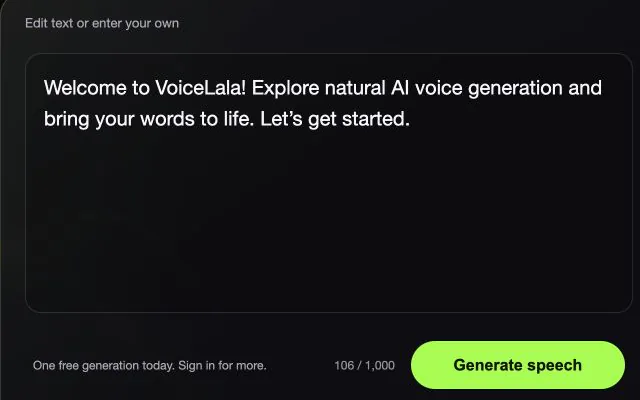
Paste or type the words you want VoiceLala to read.
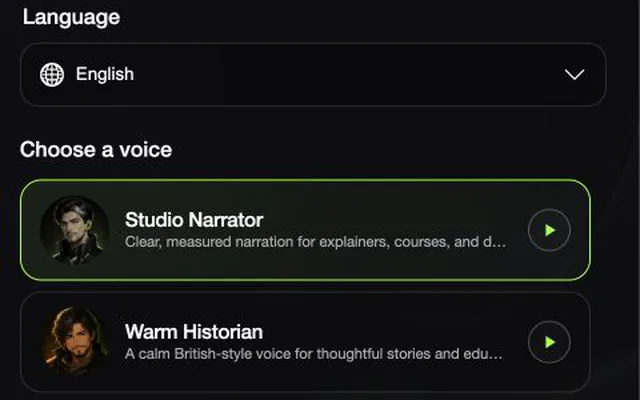
Choose the language and voice that fits your content.
Preview your audio and download the finished MP3.
Quick answers about free generations, downloads, and how your text is handled.
Text to speech converts written words into spoken audio. VoiceLala lets you enter text, choose an available AI voice, and generate an MP3.
You can generate one clip anonymously each day. Signed-in accounts receive more daily generations.
No account is needed for the daily anonymous generation. Sign in when you need more generations.
Yes. Play the result in your browser and use the download control to save the MP3 before leaving the page.
VoiceLala does not keep a task history, the submitted text, or the generated audio file. Download the MP3 before refreshing or leaving because the result only remains in the current browser session.
Yes. Use the online voice changer when you already have an audio file to transform.