Virtual mic workflow
Select VoiceLala Virtual Mic in Discord and speak normally while AI voice effects are applied live.
VoiceLala routes AI voices through a virtual microphone so Discord can hear your transformed voice in real time, with soundboards and voice cloning ready for servers, calls, and game lobbies.
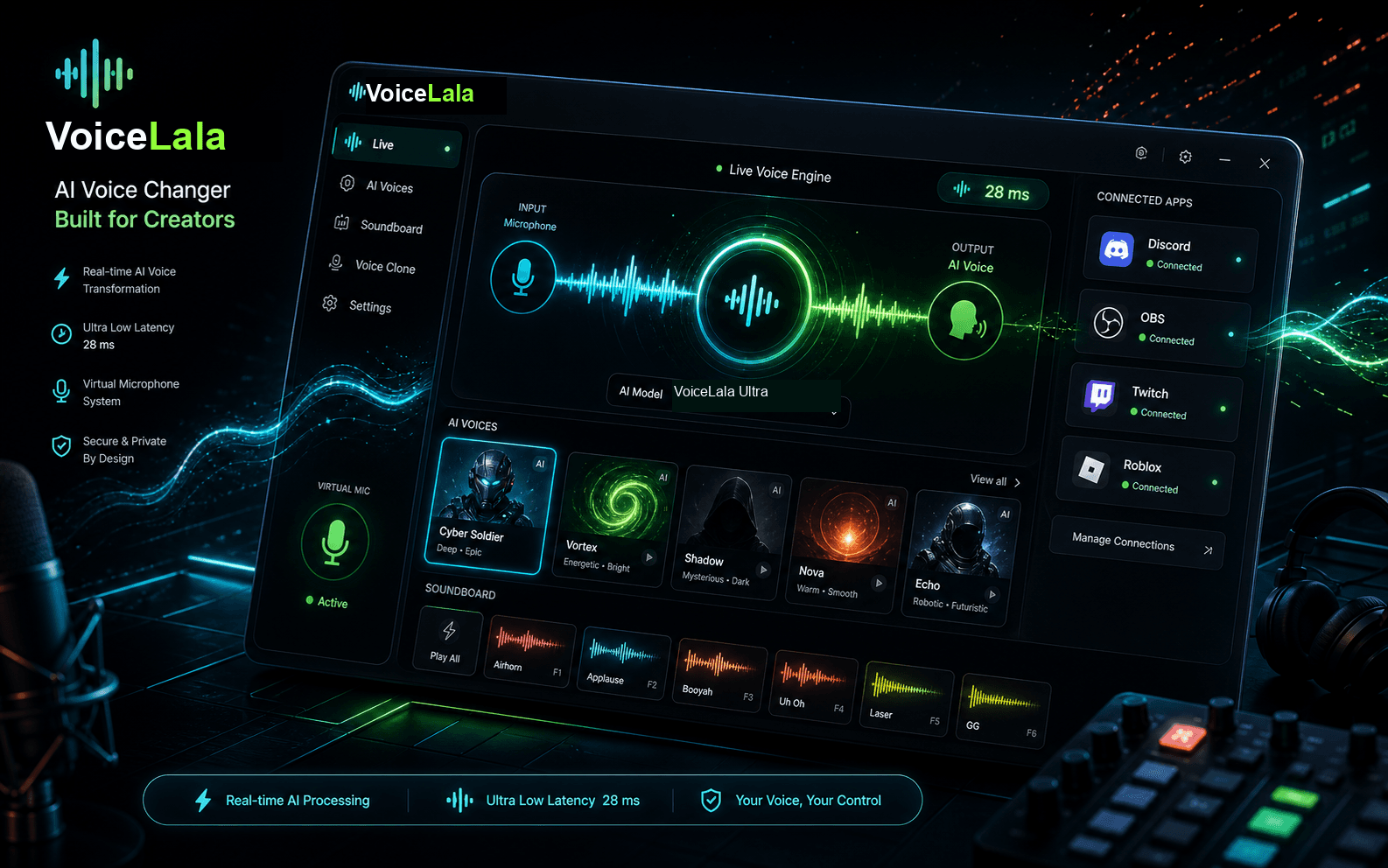
Select VoiceLala Virtual Mic in Discord and speak normally while AI voice effects are applied live.
Use character, anime, male, female, and creator voices in calls without sending teammates through an upload flow.
Trigger hotkey-ready memes, reactions, and stream sounds without leaving your Discord session.
Use one live voice across Discord calls, community servers, and multiplayer lobbies without uploading or converting a recording first.
Yes. The desktop workflow uses a virtual microphone so Discord receives changed audio while you speak.
Yes. VoiceLala highlights hotkey-ready sound effects for Discord calls, lobbies, and streams.
Join the waitlist for the first Windows release, launch updates, and early-bird pricing.