Send your changed voice into supported mic apps
The virtual microphone is the bridge between VoiceLala and live apps. Once selected as your input device, the app receives your transformed voice instead of raw microphone audio.
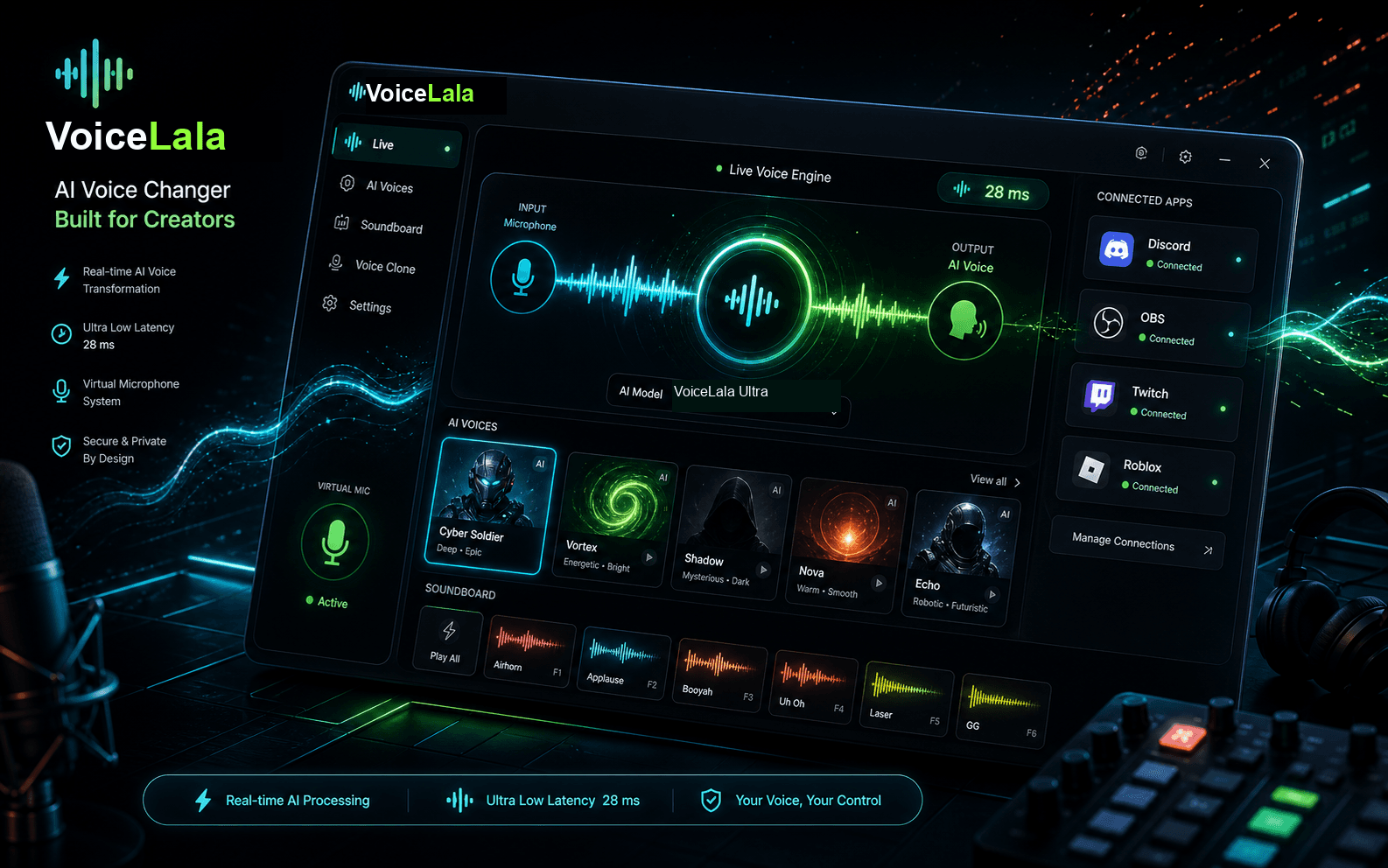
Basic setup flow
- 01
Install and open VoiceLala when the desktop app becomes available.
- 02
Choose the AI voice or soundboard setup you want to use.
- 03
Open your target app and select VoiceLala Virtual Mic as the input device.
- 04
Run a short mic test before joining a live call or stream.
Exact device names may change before launch. This page will become the canonical setup guide when the installer is public.