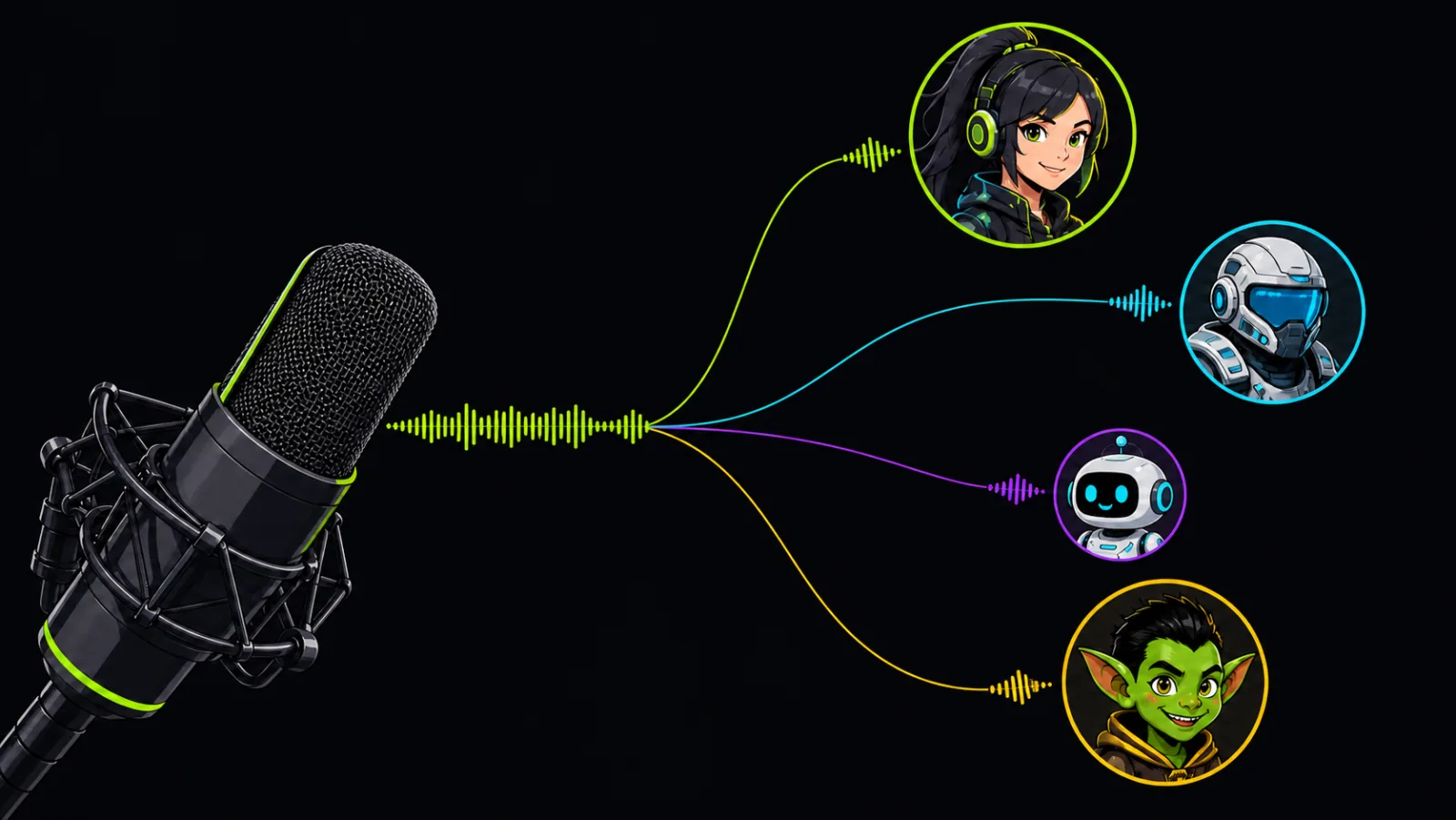
Change your voice in real time
Pick a voice and speak as usual. Low-latency AI keeps every reaction in sync across games, streams and voice chat.
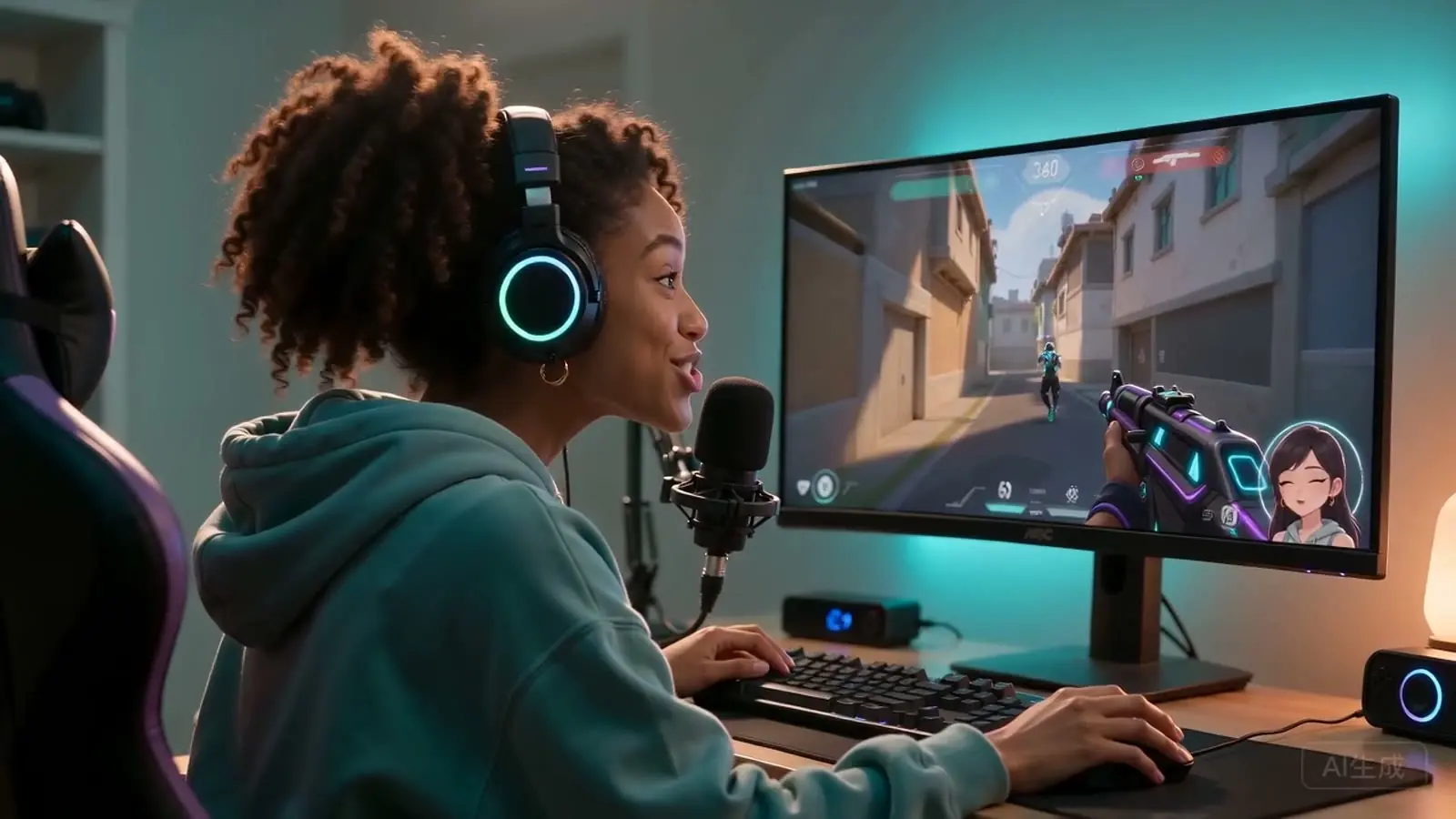
Change your voice live in games, Discord, OBS, Twitch, Zoom and voice chat on Windows 10/11.
Switch voices live, match any character and make every reaction hit differently.
Pick a voice and speak as usual. Low-latency AI keeps every reaction in sync across games, streams and voice chat.
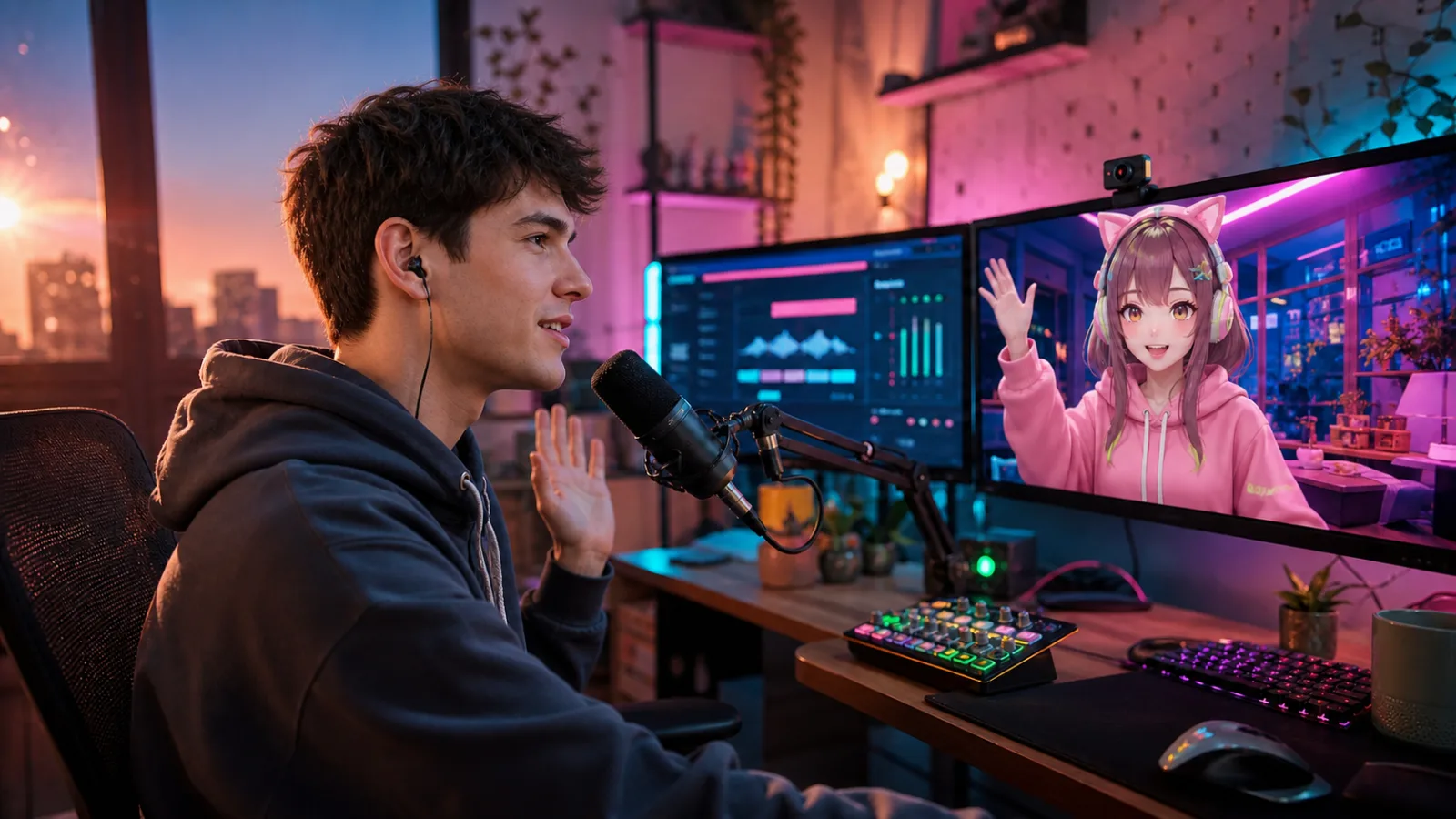
Match your game role, VTuber avatar or stream persona with anime, robot, soldier and other character voices.
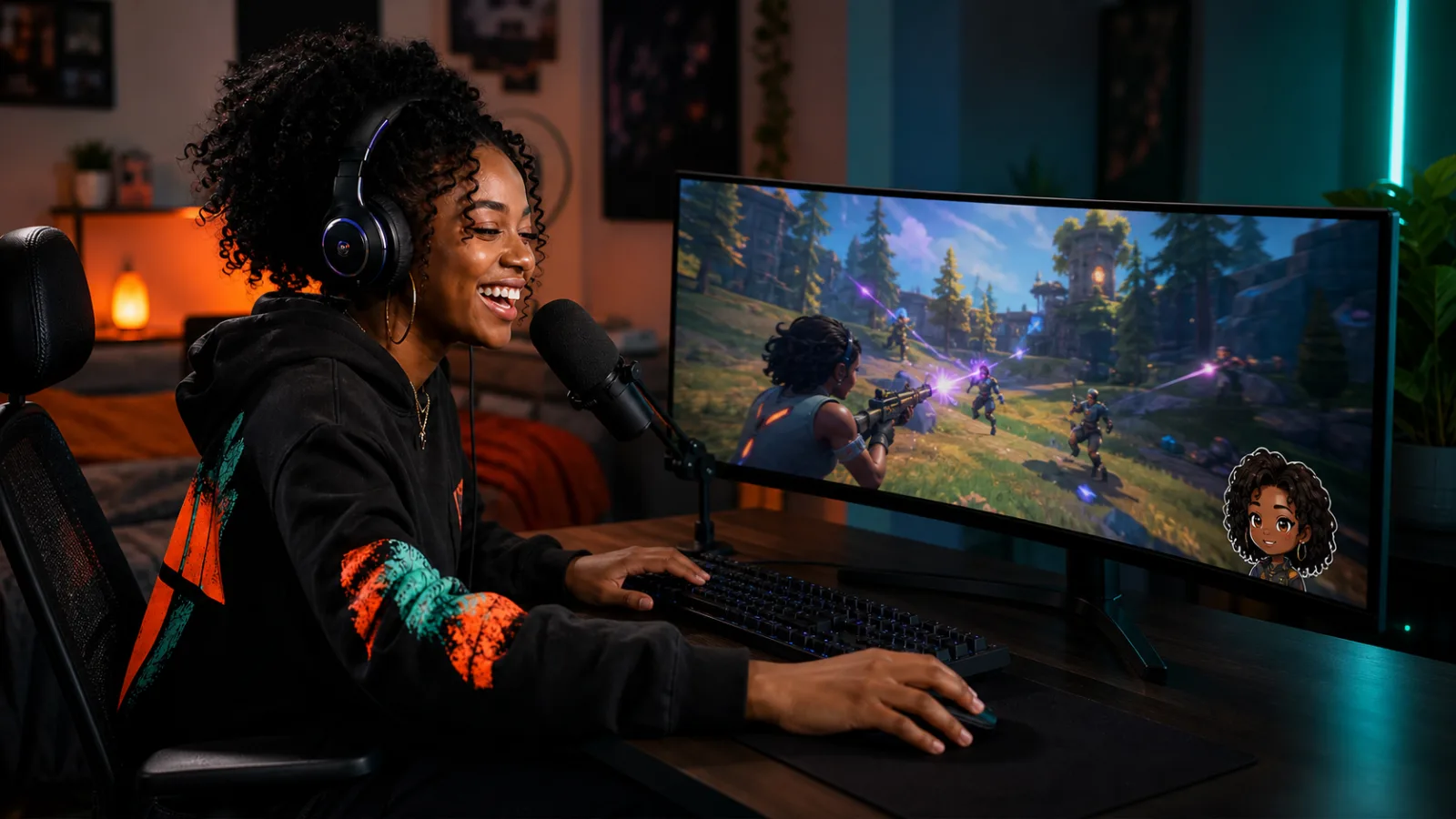
Use funny voices in multiplayer games and group calls to surprise friends, land jokes and make every session memorable.
Explore 400+ high-quality voices for gaming, streaming and live chat.

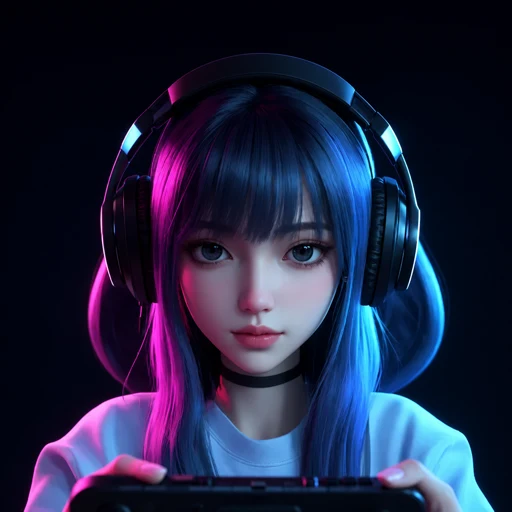


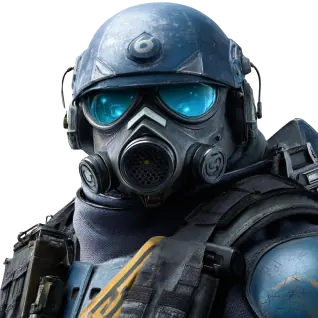
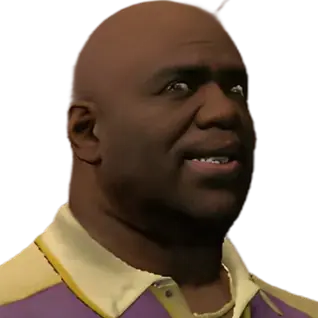

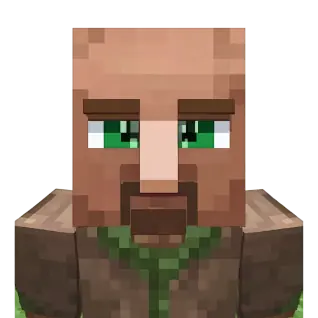
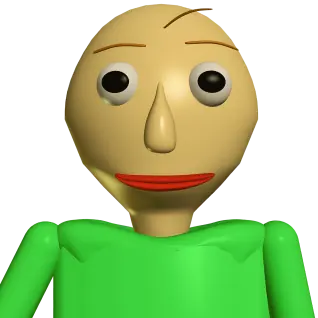

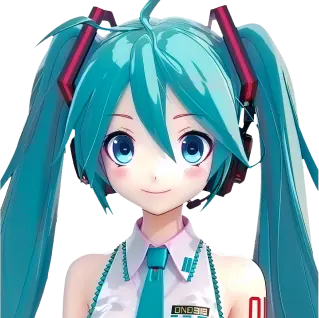

Set VoiceLala as your microphone, then keep using Discord, Roblox, OBS, Zoom and more.


Play popular meme sounds, gaming effects and stream reactions live in Discord, games and voice chat.
Set up VoiceLala once, then use your changed voice live in games, Discord, OBS, Twitch and voice chat.
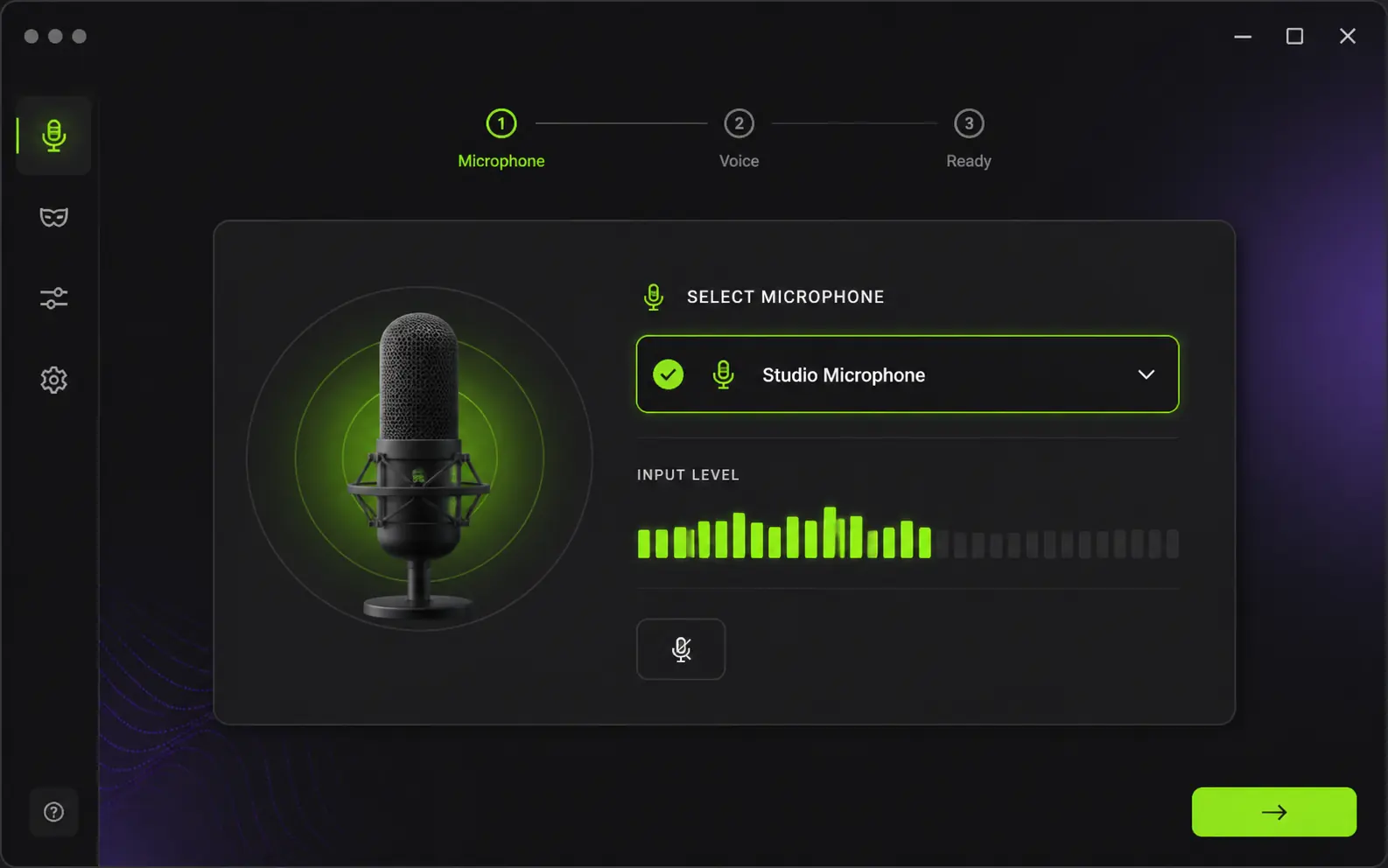
Choose the microphone you already use and check that VoiceLala can hear your voice clearly.
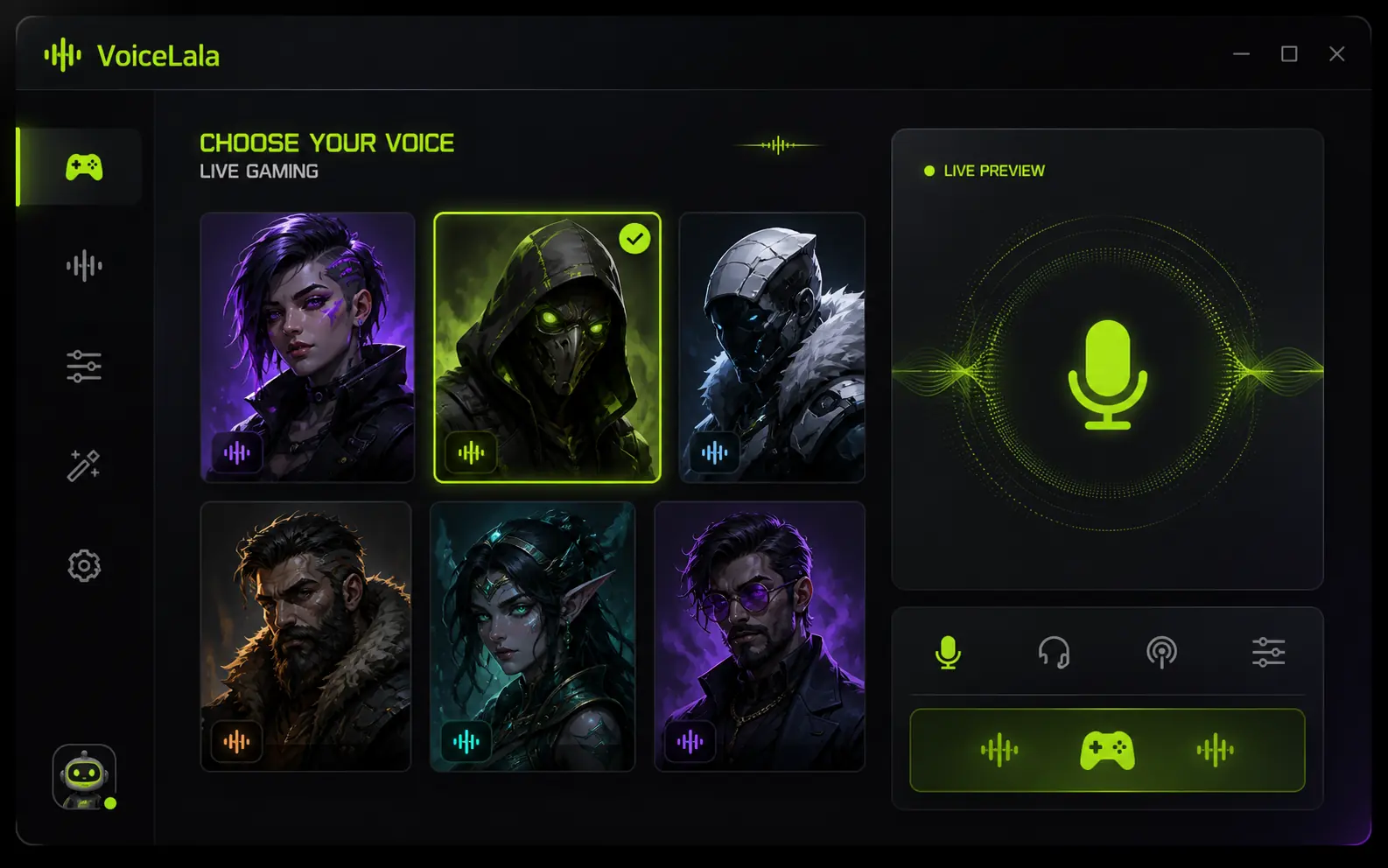
Preview a voice for gaming, streaming or chat, then apply it to your live speech.
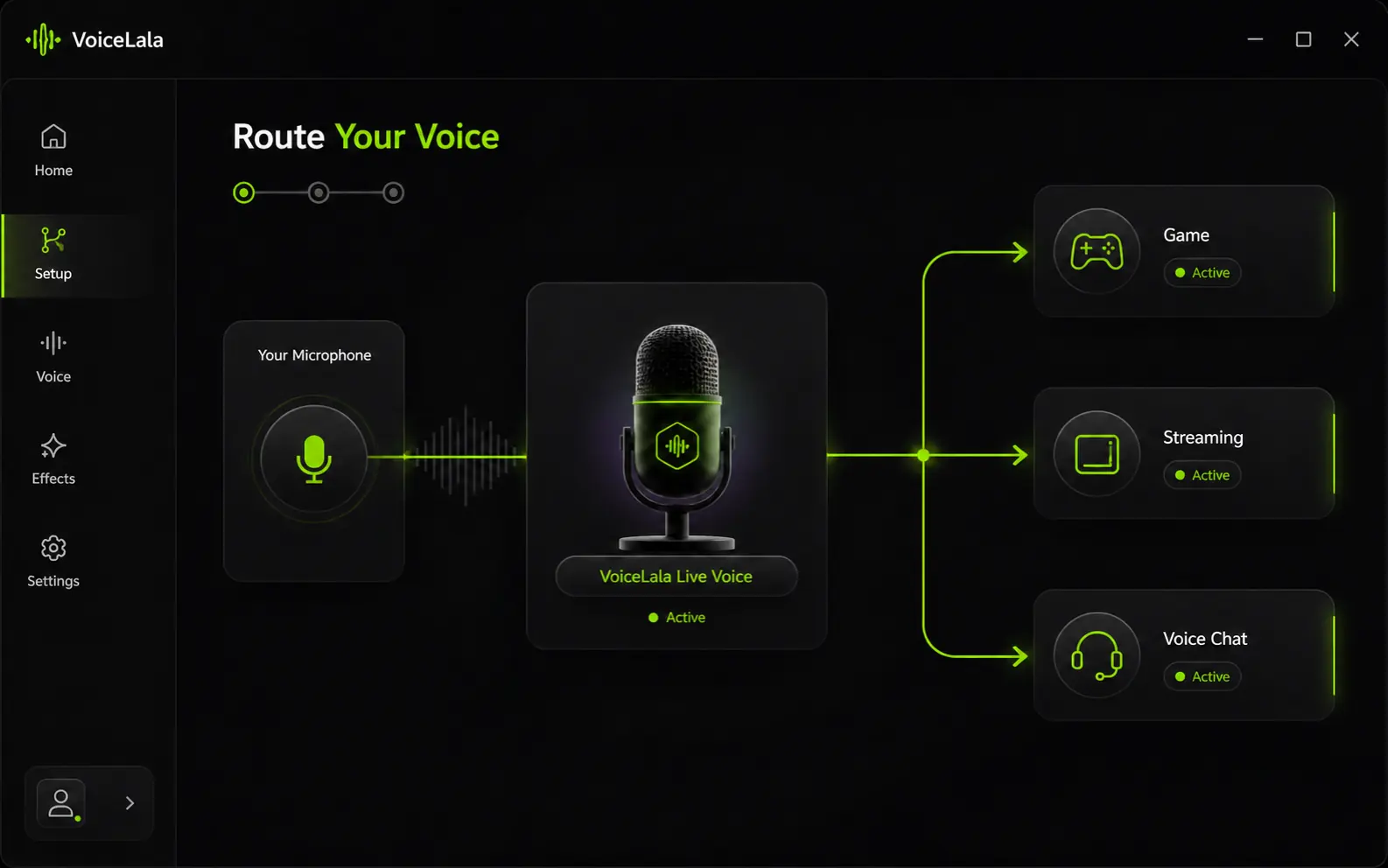
Select VoiceLala in Discord, Roblox, OBS, Twitch or another supported app and start talking live.

Advanced AI voice conversion reshapes tone, character and identity in real time.
Switch voices and sounds instantly.
Efficient processing keeps conversations responsive while you play or stream.
Explore 400+ voices and 150K+ soundboard effects.
It changes how you sound while you speak so games, chat apps and streaming software hear the transformed result live.
Gaming is VoiceLala’s primary use case. It can help you keep your real voice private and feel more comfortable speaking in team chat.
Open VoiceLala, choose a voice, then select VoiceLala as the microphone input in Discord.
Yes. Select VoiceLala as the microphone input in supported OBS and Twitch workflows.
Yes. The live soundboard is designed for gaming and streaming reactions while the microphone workflow stays active.
VoiceLala currently supports Windows 10/11. Final compatibility details will be published with the public release.