Use VoiceLala as your Discord voice changer
Select the VoiceLala virtual microphone, test input levels, and keep your voice presets ready before joining a server or call.
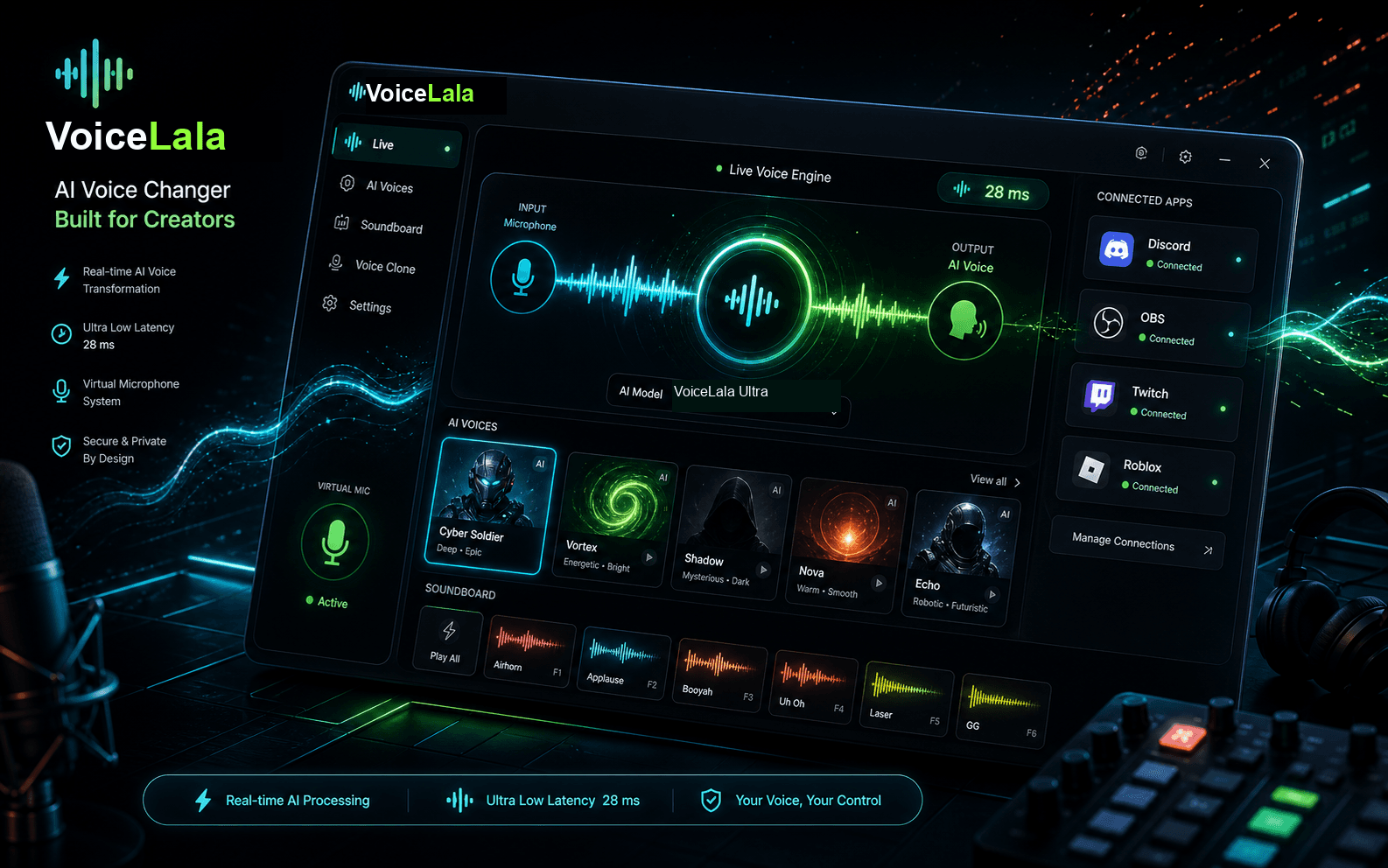
Discord setup checklist
- 01
Open VoiceLala and choose the voice effect you want to use.
- 02
Open Discord voice settings.
- 03
Set the input device to VoiceLala Virtual Mic.
- 04
Use Discord’s mic test to confirm changed audio is coming through.
- 05
Join your server or call after testing levels.