Selectable microphone
Route the changed voice into Zoom through the same microphone menu used for a headset or webcam mic.
Select the VoiceLala virtual microphone in Zoom, run a private test, and use changed voices in events or casual sessions where everyone understands the effect.
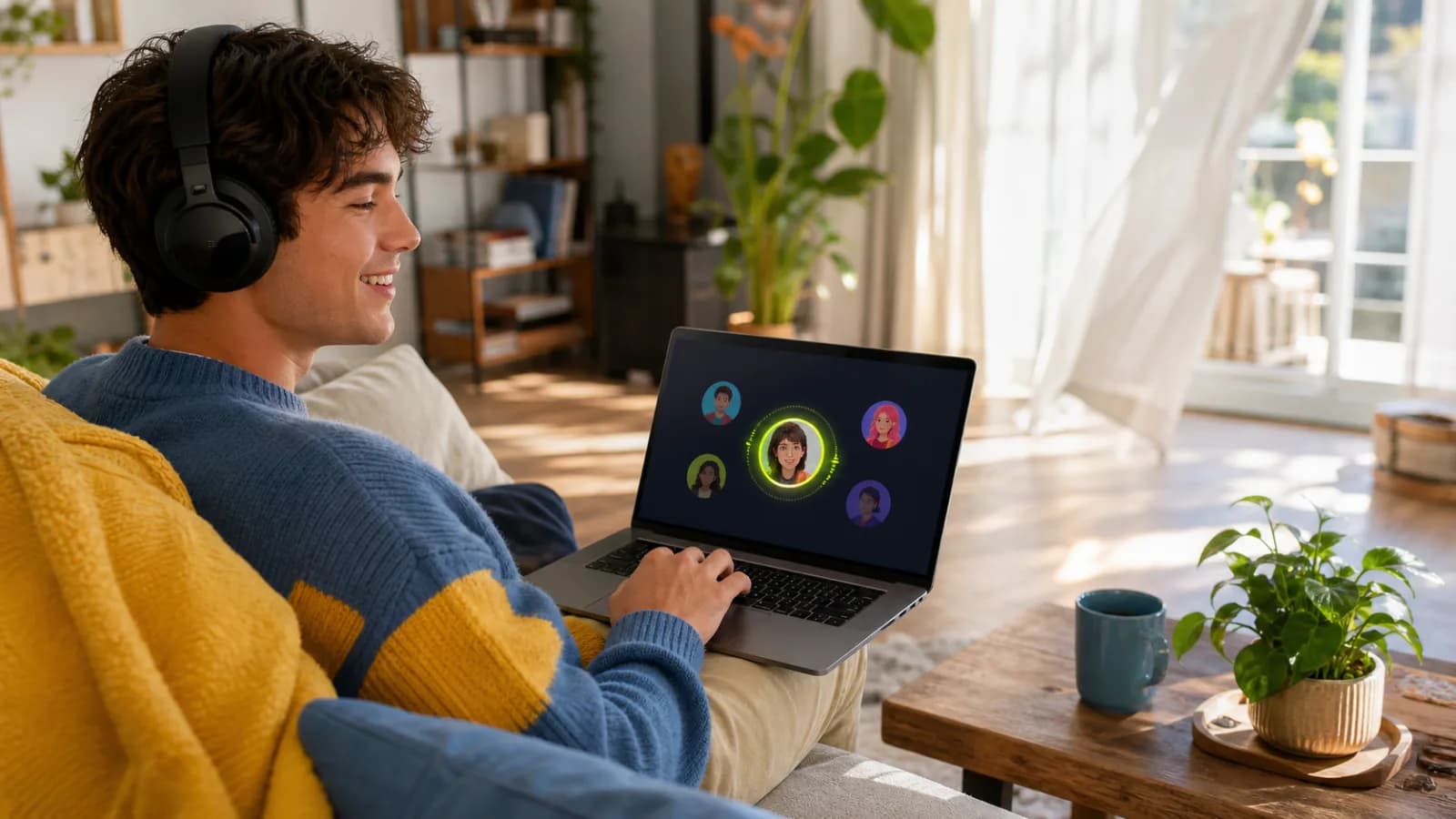
Voice effects fit workshops, online events, character sessions, and playful team moments when the context is clear to everyone in the call.
Route the changed voice into Zoom through the same microphone menu used for a headset or webcam mic.
Use Zoom microphone testing or a private meeting before bringing the effect into a live session.
Keep the physical microphone available so you can return to a neutral voice when the conversation needs it.
Open VoiceLala, select your physical microphone, and choose an effect suited to normal conversation.
Open Zoom audio settings and choose VoiceLala Virtual Mic as the microphone.
Use Zoom microphone testing or a private meeting to compare clarity, volume, and echo behavior.
Tell participants when an effect is in use, then keep a quick path back to the normal microphone.
Zoom audio processing can affect voice effects. Compare available microphone modes during a private test and keep echo control appropriate for your headphones or speakers.
Creative calls benefit from clear framing. A changed voice should support the activity and leave participants able to understand who is speaking.
Open Zoom audio settings, find the microphone selector, and choose VoiceLala Virtual Mic. Menu wording can change between Zoom versions.
Zoom can apply noise suppression, echo control, and other audio processing. Compare available profiles in a private test and use the setting that preserves speech without causing feedback.
Use voice effects only when they fit the meeting and participants understand the context. Keep your normal microphone ready for formal, sensitive, or identity-dependent conversations.
Join the VoiceLala waitlist, run a private microphone test, and keep the normal input one click away.