Avatar-ready voices
Choose a clear character direction for roleplay servers, social spaces, and creator clips.
Build a voice that fits your avatar, route it through the VoiceLala virtual microphone, and test it before joining a Roblox social or roleplay session.
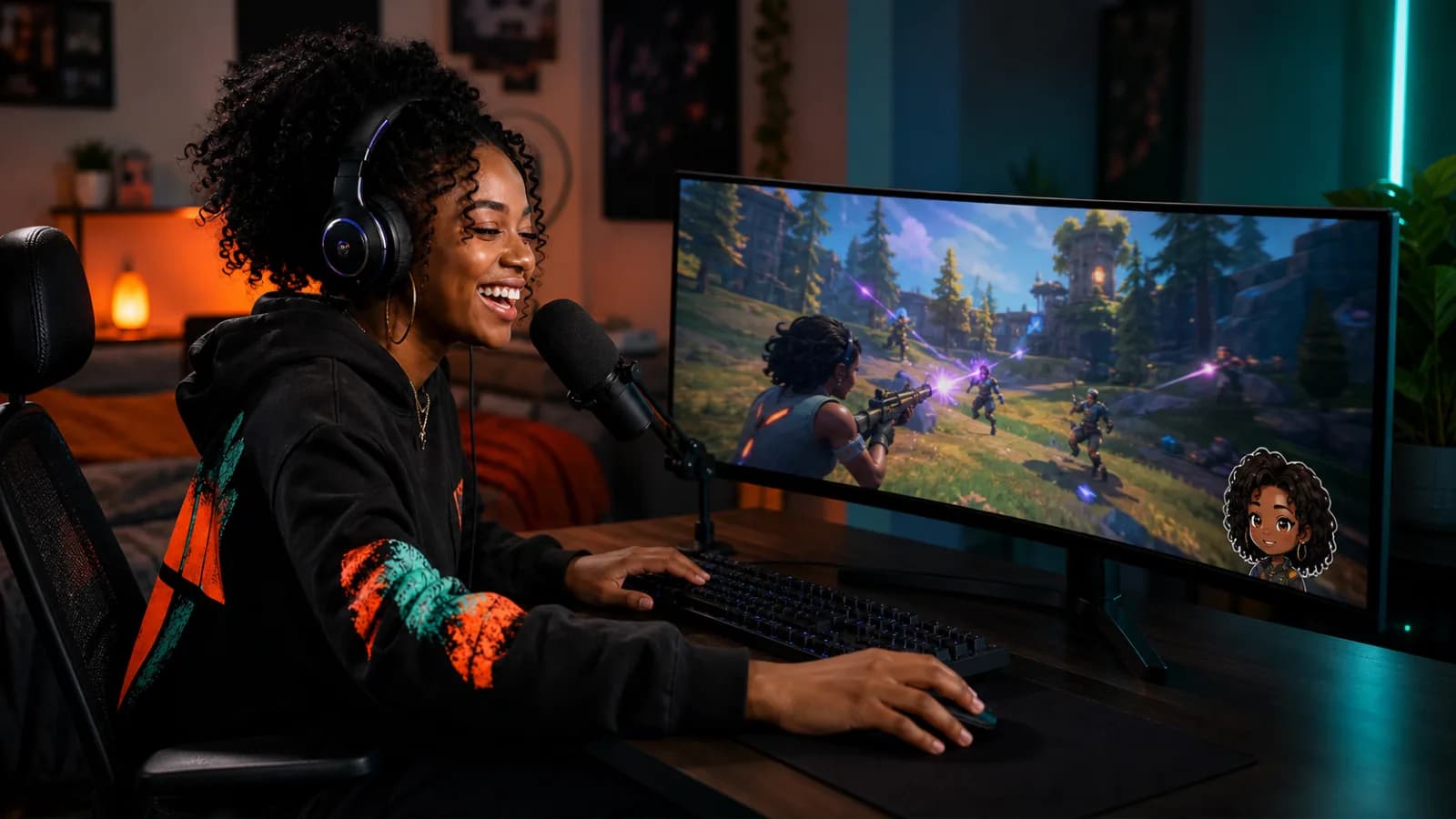
A useful Roblox voice changer should support the character without turning every sentence into audio soup.
Choose a clear character direction for roleplay servers, social spaces, and creator clips.
Send the same changed voice into Roblox and Discord without rebuilding your setup for every lobby.
Pair the voice with restrained soundboard cues for wins, surprises, and comic timing.
Open VoiceLala, select your physical microphone, and choose a voice that stays understandable at normal speaking volume.
Set VoiceLala Virtual Mic as the Windows input used for your game session.
Open the Roblox audio or voice-chat settings available to your account and choose the same virtual microphone.
Test with a friend or in a quiet session, then adjust input gain before joining a busy lobby.
A voice changer does not unlock Roblox voice chat or bypass account, age, regional, safety, or moderation requirements.
Roblox sessions can already be noisy. A clean source mic and modest effect level usually make a character voice easier for other players to understand.
The VoiceLala desktop workflow is designed for Windows 10/11. Direct mobile and console microphone routing is not currently promised.
Voice features depend on Roblox account eligibility, region, current product settings, and platform support. VoiceLala cannot enable a feature that Roblox has not made available to the account.
Yes. Browse the VoiceLala voice library first, then run a private microphone test before joining other players.
Join the VoiceLala waitlist for the Windows release, then test the voice before your next roleplay session.