Squad personas
Create a recognizable voice for casual squads, roleplay, custom games, and live creator segments.
Give a squad persona its own live voice, route it through the VoiceLala virtual microphone, and keep party chat understandable during the match.
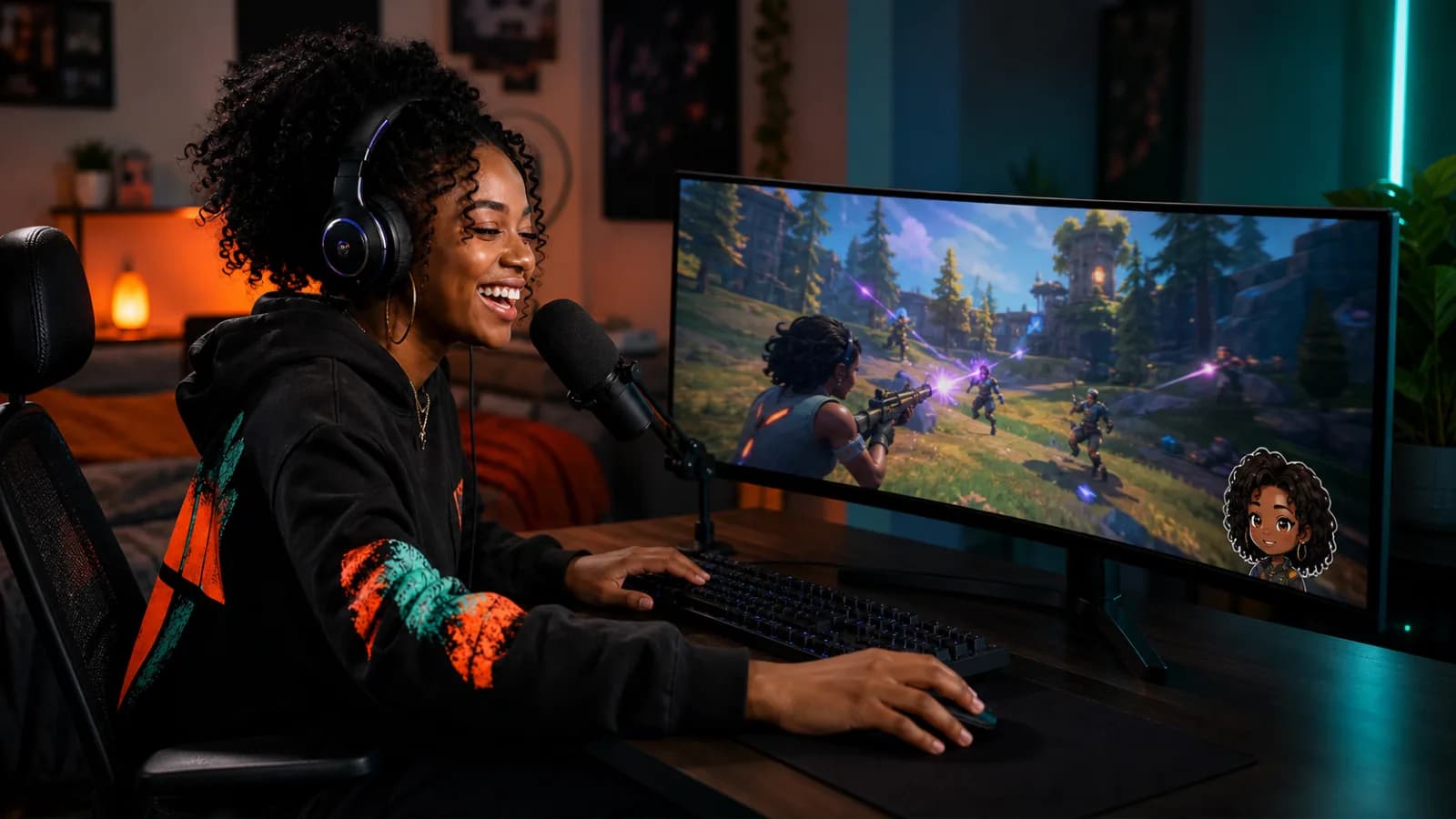
A good Fortnite setup can travel from party chat to creator capture without changing the microphone chain halfway through a session.
Create a recognizable voice for casual squads, roleplay, custom games, and live creator segments.
Select VoiceLala as the Windows microphone that Fortnite receives while you speak normally.
Trigger short soundboard moments while your capture software records the same changed voice.
Choose a VoiceLala voice and confirm that your physical microphone is clean and free from clipping.
Open Fortnite audio settings and locate the voice-chat input device.
Select VoiceLala Virtual Mic, then confirm party chat and push-to-talk settings match how you play.
Join a private party test, listen for doubled audio, and balance the voice before starting a match or stream.
Voice chat availability can depend on platform, account, parental controls, cabined-account settings, and current Epic features. VoiceLala cannot override those controls.
Fortnite mixes game audio, party chat, and stream alerts at once. Leave enough headroom for teammates and important in-game sound.
The planned VoiceLala desktop app targets Windows 10/11. This page does not promise direct console or handheld microphone support.
No. The virtual microphone carries your processed microphone signal; it does not change music, footsteps, or other game output.
Yes. Add the virtual microphone as an audio input in your capture setup and follow the OBS voice changer guide.
Join the VoiceLala waitlist, test the routing in a private party, and keep the effect ready for your next match.